
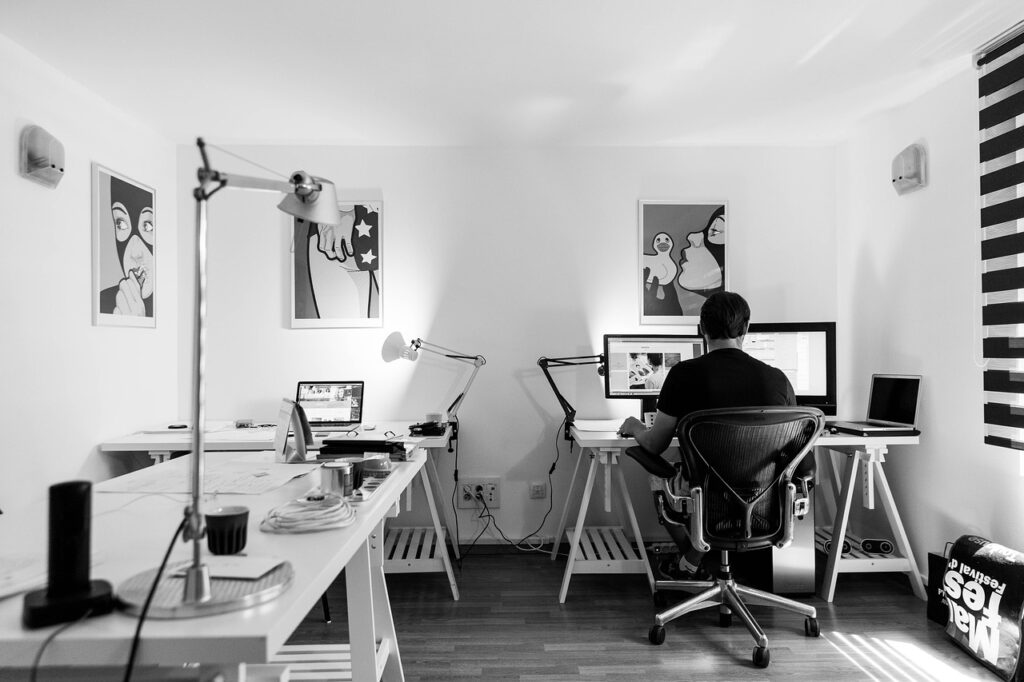
Introduction
Hello again! Or… not again, if you’re here for the first time!
As you probably know by now, working from home has become the norm for many people, and having the right setup can make a world of difference in terms of productivity, comfort, and work-life balance.
Trust me, I’ve been through every stage of the home office struggle—working from the kitchen table (definitely not recommended!), the sofa, the bed, and plenty of other less-than-ideal spots before finally moving into a dedicated workspace. And let me tell you, creating my own office has been a total game-changer for both my productivity and my sanity.
Now, in 2025, things are evolving faster than ever. New technology and smart workspace solutions are transforming home offices, but at the same time, I’ve realized that some classic essentials are still irreplaceable.
So, whether you’re setting up your first home office or looking to upgrade, let’s dive into the must-have essentials for a productive and comfortable remote work setup in 2025!
1. Ergonomic Must-Haves
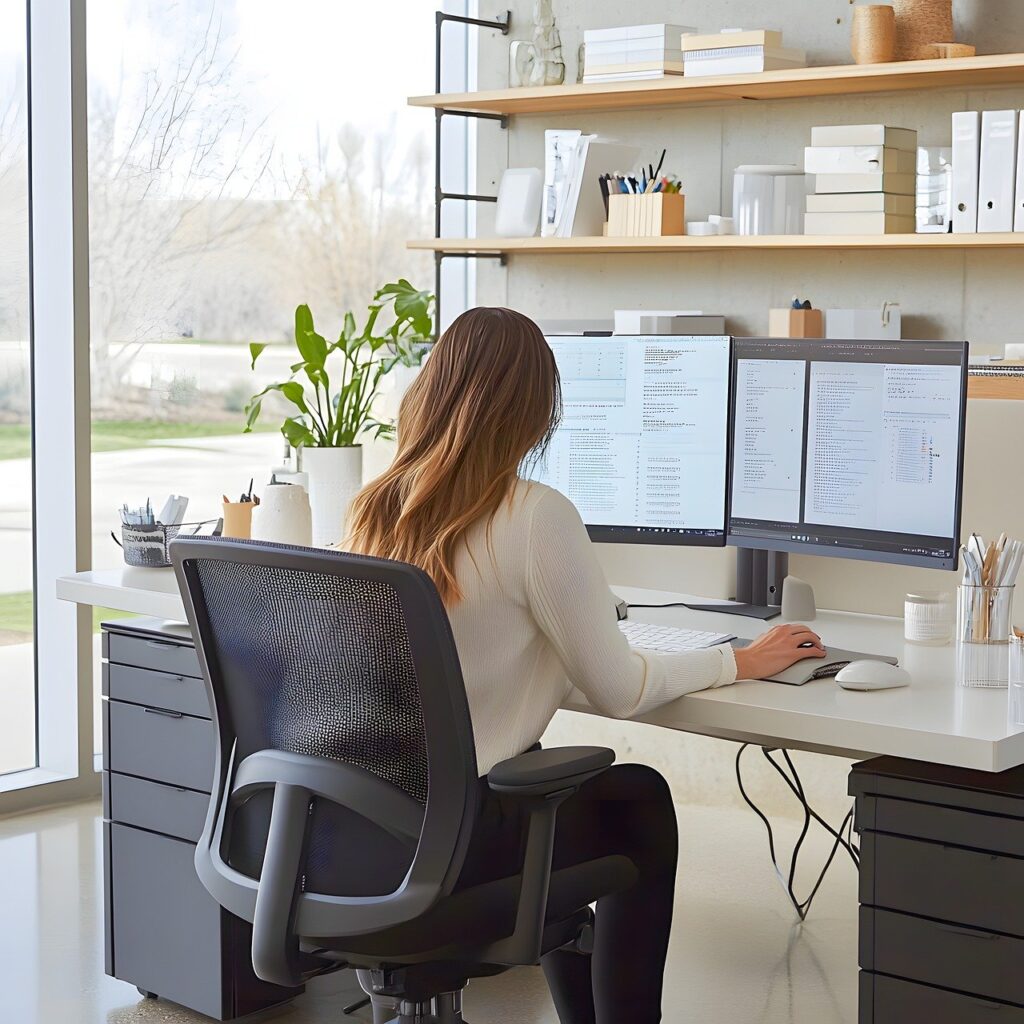
Let’s start with the basics. You might have the best computer, a cozy place to work, or whatever else you can imagine, but the truth is—ergonomic tools are the best investment you can make right now. Remember, it’s not just about comfort, it’s also about your health.
Sitting in your home office for long hours can take a toll on your body, and you’ll probably notice it sooner than you think. I did, and that was when I realized it wasn’t the best idea to choose the cheapest options available.
So, where should you start?
- Ergonomic Chair – Your number one ally in your office. I used to think that it didn’t matter what chair you use or how you sit. Well, after a visit to the physiotherapist to fix my back, I changed my mind. A good-quality office chair might feel like a big expense, but trust me, it’s worth the money. You might spend a bit more than you expected, but it’ll likely last for years.
- Adjustable Standing Desk – A desk that allows you to switch between sitting and standing for better posture whenever you want. I used to watch YouTube videos and think, “What’s wrong with these people? How can they work standing up and still stay focused and make precise mouse clicks?” But when I finally decided to try it, I immediately knew it would change my work-life forever.
- Anti-Fatigue Mat – This is essential if you decide to use a standing desk. Long story short, it helps relieve pressure, and believe me, it makes a world of difference.
- Ergonomic Keyboard and Mouse – Your hands are just as important as the rest of your body, so it’s worth investing in a good setup. Personally, I use the Logitech MX Master 3 mouse and MX Keys keyboard. So far, I haven’t found anything better for my needs, although I occasionally switch to a trackball (the Kensington SlimBlade). Some of you might think I’ve lost my mind, and… maybe you’re right. But after getting used to the trackball, I find it incredibly comfortable and precise for my work.
2. Tech & Gadgets
To be honest, this is where you’ll need to experiment a bit to find what works for you. It’s hard to say exactly which monitor or headphones you should buy, as it’s a very personal choice, and it depends on the type of work you do. But one thing I know for sure—no matter what gear you choose, here are some essentials that will make your life easier:
- Good-Quality Monitor – Whether you go for an ultrawide or dual-monitor setup is up to you. I’ve tried various configurations: two 27-inch monitors, a 49-inch monitor, a 27-inch monitor with a laptop, and more. I even had four screens at one point, thinking it would make my life easier. But, as it turns out, it just gave me neck pain. Right now, I use a 34-inch monitor with a 27-inch one on top, and it’s by far the most comfortable setup I’ve had.
- High-Resolution Webcam + Microphone – Can you use your laptop’s camera? Sure. Can you use your phone’s mic? Yep. Will you look as professional as possible? Probably not. To be honest, I didn’t care about these for a long time until a client mentioned after a meeting that everything went well, but the technical quality of the conversation wasn’t great. That’s when I decided to invest in a better webcam and microphone—not just for myself, but for my clients’ experience. It’s not just about how good you are at your job; it’s also about how you present yourself. And it’s much harder to sell yourself when your clients can’t hear you properly or see you clearly.
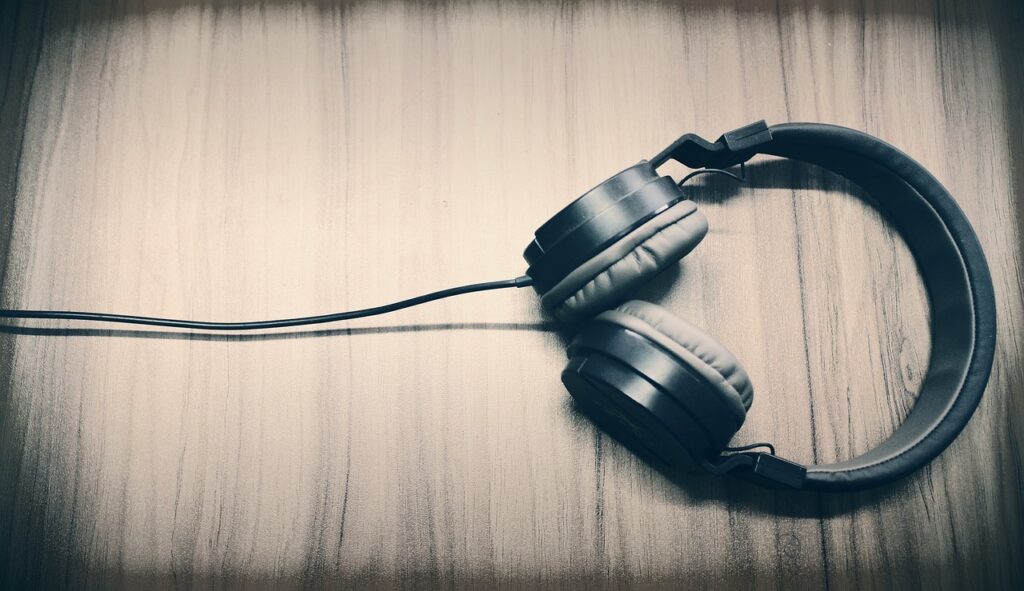
- Headphones – Some people love listening to music or podcasts while working, and that’s amazing—I miss that a lot. Why? Well, I work as a sound designer, so my job revolves around listening and creating sounds. I can’t listen to anything else while I’m working. But when I’m doing tasks like taxes or emails, I still wear my headphones—sometimes with music, sometimes without, just to block out the outside world and focus. I’m not a headphone expert, but I use my professional headphones for sound editing and mixing, which probably wouldn’t be a good fit for you. However, I’ve also had Bose QuietComfort headphones as my “normal” pair, and they were fantastic—great noise cancellation that did the job for years.
- Wireless Charging Stations – These make it easy to keep your devices charged without the mess of cables. I think we can all agree that there’s nothing worse than having a bunch of cables all over your desk.
3. Software and Productivity Tools
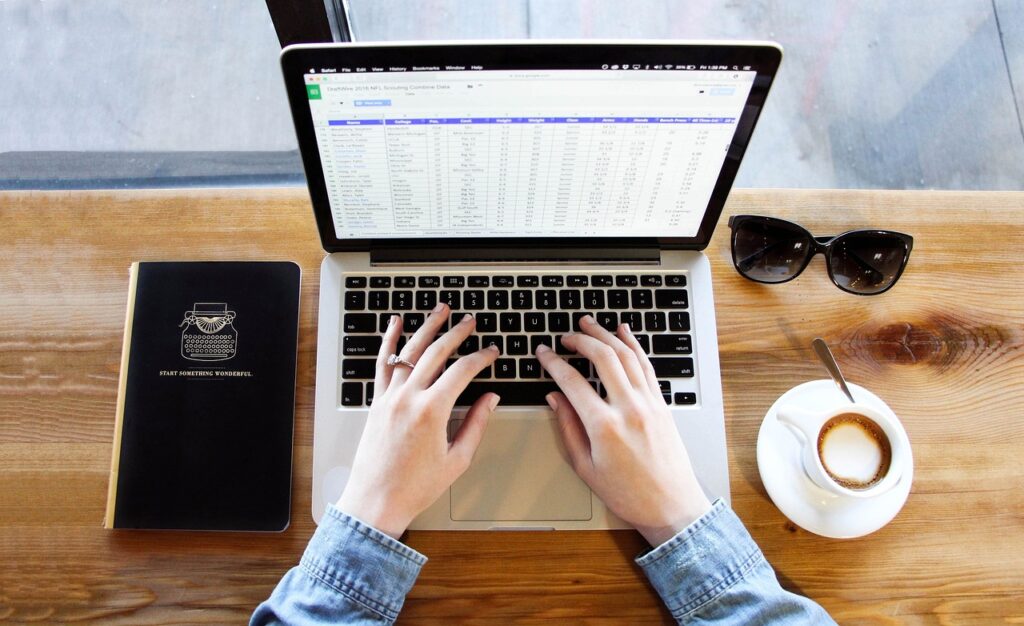
You know best what tools you need to get your job done. For some, it’s Excel; for others, it’s Adobe Premiere Pro, Pro Tools, DaVinci, or whatever software you use. But that’s not all you need. You’ll never regret investing in additional software (and don’t worry—many excellent tools are completely free) to help keep your work on track. So, here’s what I’ve found to be the most useful for my daily tasks:
- Project Management Tools – Keeping your tasks organized is crucial. Without proper management, you might find yourself drowning in work. I recommend keeping it simple—there’s no need for ten different tools. After trying several, I’ve settled on two main tools: Asana and Notion.
- Video Conferencing Software – Seamless communication with your team and clients is a must. You can choose whatever suits you best—Zoom, Teams, Skype, etc.
- Time-Tracking Apps – These are essential, especially when you’re just starting out. Time-tracking apps show you how much time you’ve spent on tasks, which not only helps with productivity but also helps you estimate how long it takes to complete certain work. Knowing this makes it easier to negotiate pricing with clients.
- AI-Powered Writing & Research Tools – These can speed up your workflow, whether you’re writing an email or researching something. I know many people are afraid of AI and its tools, but personally, I believe AI is already everywhere, and it’s better to embrace it rather than avoid it.
4. Backup & Security
What happens if your computer suddenly stops working? Or worse, if someone hacks into it? Hopefully, neither happens, but you never know. No matter how great your machine is, it’s still just a machine, and it can break down at any time. So, protecting your data is absolutely critical to ensure your business keeps running no matter what happens with your gear.
- Cloud Storage Services – Google Drive, Dropbox, MyAirBridge—whatever suits your needs. These services ensure that your files are accessible anywhere. Personally, they let me sleep well at night. I’d be nervous to work without backups. Manual backups on external hard drives are an option, of course, but the chances of your HDD failing are much higher than the chances of Google stopping its services.
- Password Manager – These keep your login credentials safe (e.g., LastPass, 1Password).
- Cybersecurity Software – There are countless options available. Just make sure your personal and business data is always secure.
5. Sound Management
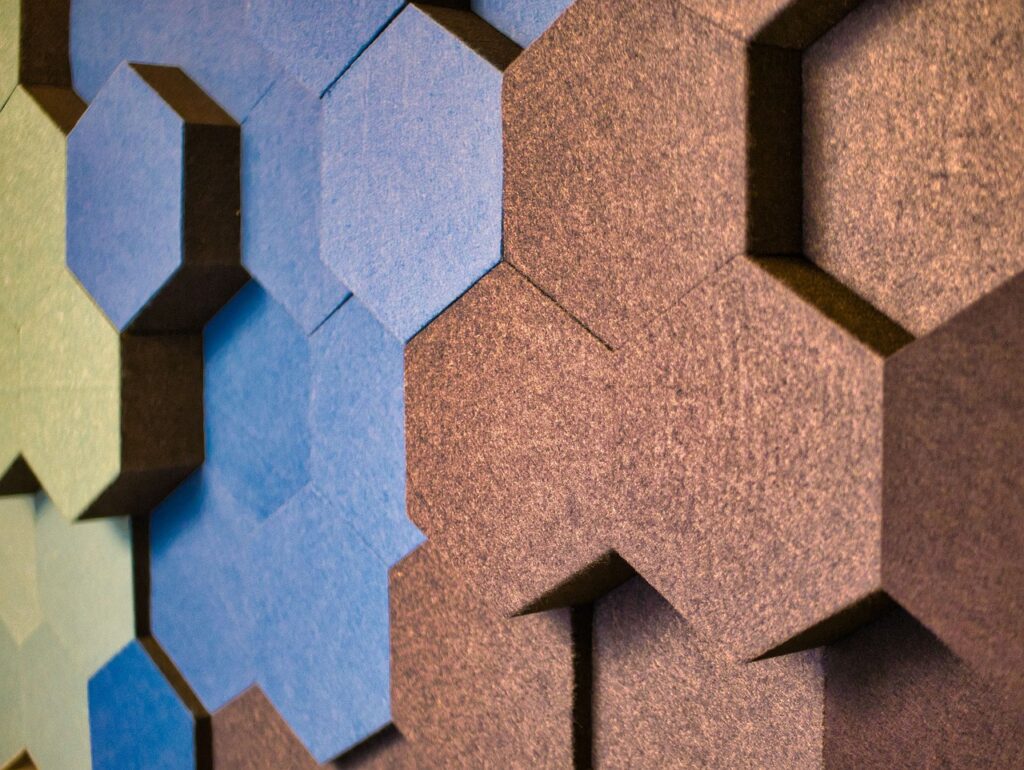
Okay, I’ll admit—I might be a bit sensitive to this because of my job, but imagine this: wouldn’t it be better to work without hearing your neighbors arguing, the cars passing by, or other distractions? It’s worth investing in some soundproofing to eliminate distractions and create an optimal work environment.
- Soundproof Panels – These are a good option for reducing background noise, even if just a little. Plus, they can make your room look nicer.
- Speakers – If you like to listen to music, podcasts, or anything else while working, investing in good speakers is a great idea. Headphones are great, but they’re not the most comfortable for wearing all day. If you enjoy using voice assistants, a smart speaker might be a cool addition!
Final Thoughts: Anything Else That Makes Your Day Better?
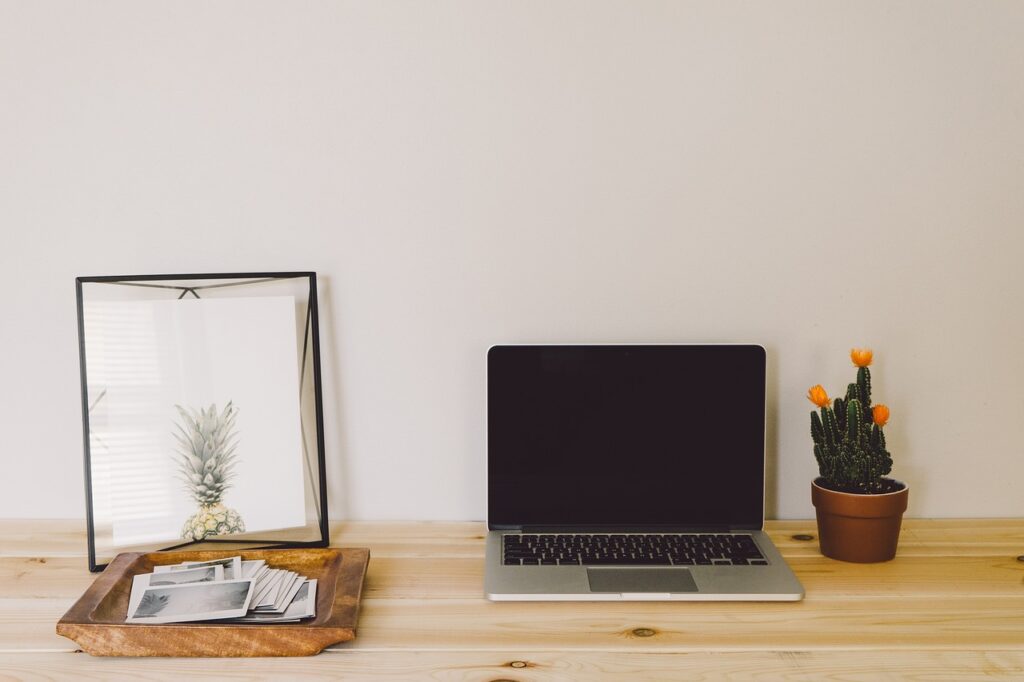
Like plants? Go ahead and fill your office with greenery! Love natural light? Position your desk near a window if possible. Into decorations? Decorate to your heart’s content!
Your home office is your personal space, where you should feel as comfortable and calm as possible, so make it your own. That’s one of the greatest perks of working from home—you don’t have to adapt to someone else’s space.
A well-equipped home office isn’t just about having a desk and a computer. It’s about creating a space that fosters productivity, comfort, and efficiency. By investing in the right essentials, you can make working from home a seamless and enjoyable experience. And the best part? In 2025, there are countless solutions for every budget. If you can’t afford everything you want right away, don’t worry—it all takes time.
I hope creating your workspace is a fun and inspiring journey!
What are your must-have home office essentials? Feel free to share your thoughts in the comments!